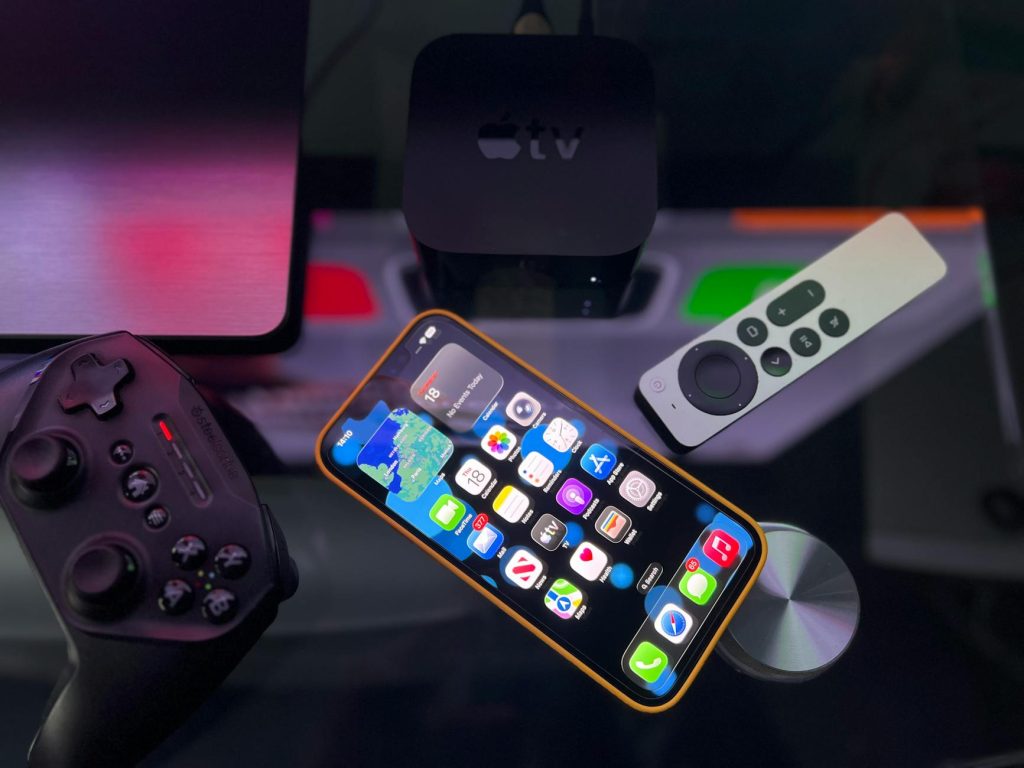
IPTV Smarters Pro Setup Guide: Step-by-Step for Beginners
Are you ready to dive into the world of IPTV with the IPTV Smarters Pro app? If you’re looking for a comprehensive IPTV Smarters setup guide, you’re in the right place. In this article, we’ll walk you through each step to get your IPTV service up and running smoothly.
What is IPTV Smarters Pro?
IPTV Smarters Pro is a popular application that allows users to stream channels and content from IPTV subscriptions. It offers a user-friendly interface, making it an excellent choice for beginners. Unlike other apps, IPTV Smarters supports multiple formats and provides a seamless viewing experience.
Downloading and Installing IPTV Smarters
Downloading the App
You can easily download IPTV Smarters Pro from the Google Play Store or Apple App Store. Simply search for “IPTV Smarters Pro” and click install. For Android TV users, you might find the app on the store, or you can sideload it using an APK file.
Installing on Different Devices
Whether you’re using an Android TV box, Firestick, or a smartphone, the installation process is straightforward. For a detailed guide on Android TV boxes, check out our Top 10 Best IPTV Apps for Android TV Box in 2026 article.
Setting Up Your IPTV Service
Entering Your IPTV Credentials
Once the app is installed, open it and select “Add New User.” You’ll need to enter your IPTV service details, which include the server URL, username, and password provided by your IPTV service provider.
Choosing the Right IPTV Service
It’s crucial to pick a legitimate IPTV service to ensure a smooth and legal streaming experience. For more guidance, refer to our Complete IPTV Guide 2026: Everything You Need to Know.
Exploring IPTV Smarters Features
Interface and Navigation
IPTV Smarters Pro boasts an intuitive interface that simplifies navigation. Familiarize yourself with its layout to make the most of its features.
Customizing Your Experience
Take advantage of options like favorites, parental controls, and EPG (Electronic Program Guide) to tailor your viewing experience.
Optimizing IPTV Smarters Performance
Network Settings
Ensure your internet connection is stable. A wired connection is recommended for optimal performance. According to TechRadar, using a wired connection can significantly improve streaming quality.
App Settings
Adjust settings such as buffer size and streaming quality within the app to match your internet speed and device capabilities.
Troubleshooting Common Issues
Buffering Problems
If you experience buffering, consider lowering the stream quality or checking your network speed. For Firestick users, our Best IPTV Apps for Firestick in 2026 guide offers more solutions.
Login Issues
Double-check your credentials and ensure your IPTV service is active. If problems persist, contact your service provider for assistance.
Frequently Asked Questions
We’ve compiled answers to some common questions about IPTV Smarters setup.
- What devices support IPTV Smarters Pro? IPTV Smarters Pro is compatible with Android, iOS, Firestick, and more.
- Is IPTV Smarters Pro free? The app is free, but you need a subscription from a legitimate IPTV provider.
- Can I use IPTV Smarters on multiple devices? Yes, as long as your IPTV subscription supports multiple connections.
- How do I update IPTV Smarters? Updates are available through the app store or by downloading the latest APK.
- Is IPTV Smarters Pro safe? Yes, it’s safe if used with a legitimate IPTV service.
Conclusion
Setting up IPTV Smarters Pro is a breeze with our step-by-step guide. By following these instructions, you can enjoy a seamless streaming experience. Ready to take your streaming to the next level? Explore our How to Set Up IPTV on Samsung Smart TV – Step-by-Step 2026 Guide and Choosing the Right Firestick for Streaming in the UK for more insights.
Frequently Asked Questions
What devices support IPTV Smarters Pro?
IPTV Smarters Pro is compatible with Android, iOS, Firestick, and more.
Is IPTV Smarters Pro free?
The app is free, but you need a subscription from a legitimate IPTV provider.
Can I use IPTV Smarters on multiple devices?
Yes, as long as your IPTV subscription supports multiple connections.
How do I update IPTV Smarters?
Updates are available through the app store or by downloading the latest APK.
Is IPTV Smarters Pro safe?
Yes, it’s safe if used with a legitimate IPTV service.