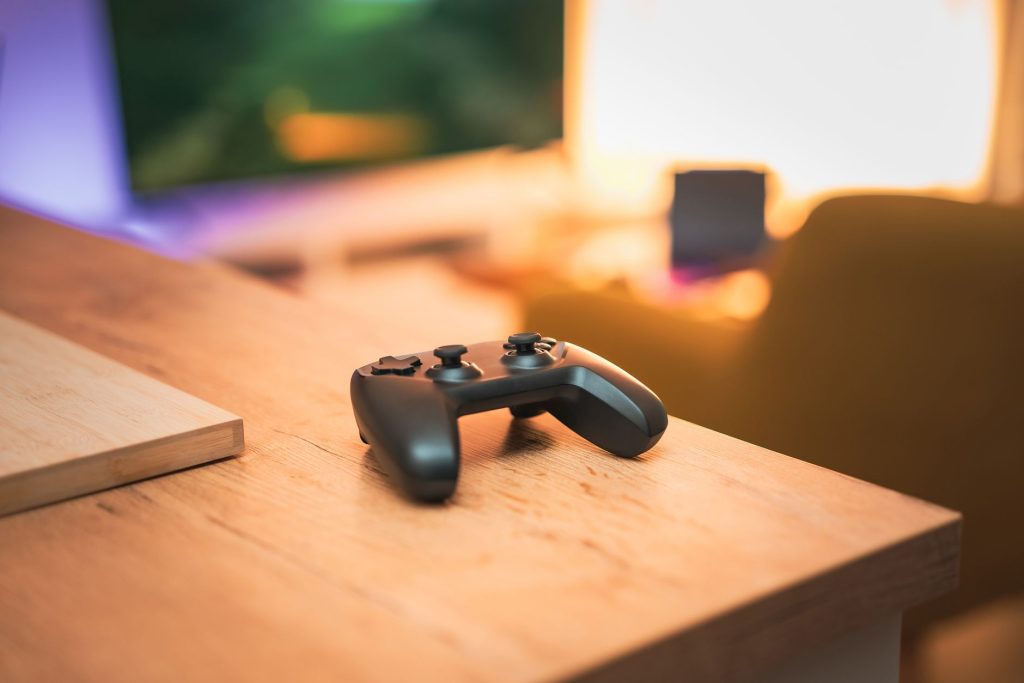
Best Gaming Controllers for Your Redmi Android TV Experience
Introduction to Gaming on Redmi Android TV
In recent years, Android TV has revolutionized home entertainment, transforming how we consume content and play games. With a Redmi Android TV, you can enjoy a wide range of gaming experiences right from your living room. But to truly elevate your gaming, a compatible gaming controller is essential.
In this guide, we’ll explore the best gaming controllers for your Redmi Android TV, ensuring you get the most out of your device. Whether you’re a casual gamer or a dedicated enthusiast, finding the right controller can make all the difference.
Why Choose a Gaming Controller for Android TV?
Enhanced Gaming Experience
Using a gaming controller significantly enhances your gaming experience on Android TV. Touch controls can be limiting, especially for complex games. A controller provides precision, comfort, and responsiveness, making gameplay more enjoyable.
Compatibility and Convenience
Most modern gaming controllers are compatible with Android TV, offering plug-and-play convenience. This ensures you spend less time on setup and more time on gaming. Check for Bluetooth connectivity, as it simplifies the pairing process with your Redmi Android TV.
Top Gaming Controllers for Redmi Android TV
1. Xbox Wireless Controller
The Xbox Wireless Controller is a popular choice for Android TV users. Known for its ergonomic design and excellent build quality, it connects easily via Bluetooth, providing a seamless gaming experience.
2. PS5 DualSense Controller
The PS5 DualSense Controller is another top contender, offering unique features like adaptive triggers and haptic feedback. It’s a great choice for those looking to enhance their gaming experience on Android TV.
Setting Up Your Controller with Android TV
Step-by-Step Guide
- Ensure your controller is charged or has fresh batteries.
- Turn on Bluetooth on your Redmi Android TV.
- Put your controller into pairing mode (refer to the controller’s manual).
- Select the controller from the list of available devices on your TV.
- Once connected, test it by launching a game.
Troubleshooting Common Issues
If you encounter issues, ensure your controller’s firmware is updated. Restart your TV and controller to resolve connectivity problems. You can also check the official Android Authority for troubleshooting tips.
Benefits of Gaming on Android TV
Access to a Wide Range of Games
Android TV offers access to a vast library of games, from casual to AAA titles. Whether you’re into puzzle games like Symmetris or action-packed adventures, there’s something for everyone.
Seamless Streaming and Gaming
With Android TV, you can switch seamlessly between streaming services and gaming. This flexibility is perfect for households that enjoy both digital entertainment forms. Learn more about streamlining your experience with a minimal Android TV launcher.
Improving Your Android TV Gaming Setup
Optimizing Performance
To optimize gaming performance on Android TV, ensure your device’s software is up to date. Consider using a wired Ethernet connection for more stable internet connectivity, reducing lag during online gameplay.
Utilizing a Family Dashboard
Implementing a family dashboard screensaver can enhance your Android TV’s usability, allowing easy access to games and apps for all family members.
Frequently Asked Questions
- What is the best gaming controller for Android TV?
The best controller depends on personal preference, but the Xbox Wireless and PS5 DualSense controllers are highly recommended.
- Can I use any Bluetooth controller with Android TV?
Most Bluetooth controllers are compatible with Android TV, but it’s best to check the manufacturer’s specifications for compatibility.
- How do I connect a controller to my Redmi Android TV?
Enable Bluetooth on your TV, put your controller in pairing mode, and select it from the available devices list.
- Are there specific games optimized for controllers on Android TV?
Yes, many games on the Google Play Store are optimized for controller use, enhancing the gaming experience.
- Can I use a wired controller with Android TV?
Yes, if your Android TV has a USB port, you can connect a wired controller directly.
Conclusion: Elevate Your Gaming Experience
Choosing the right gaming controller for your Android TV can transform your gaming experience, providing greater control and enjoyment. Whether you opt for the Xbox Wireless or the PS5 DualSense, ensure it’s well-matched to your gaming style and preferences. For more insights on managing your Android TV setup, consider exploring our guide on building your own Android TV manager. Start your enhanced gaming journey today!
Frequently Asked Questions
What is the best gaming controller for Android TV?
The best controller depends on personal preference, but the Xbox Wireless and PS5 DualSense controllers are highly recommended.
Can I use any Bluetooth controller with Android TV?
Most Bluetooth controllers are compatible with Android TV, but it’s best to check the manufacturer’s specifications for compatibility.
How do I connect a controller to my Redmi Android TV?
Enable Bluetooth on your TV, put your controller in pairing mode, and select it from the available devices list.
Are there specific games optimized for controllers on Android TV?
Yes, many games on the Google Play Store are optimized for controller use, enhancing the gaming experience.
Can I use a wired controller with Android TV?
Yes, if your Android TV has a USB port, you can connect a wired controller directly.