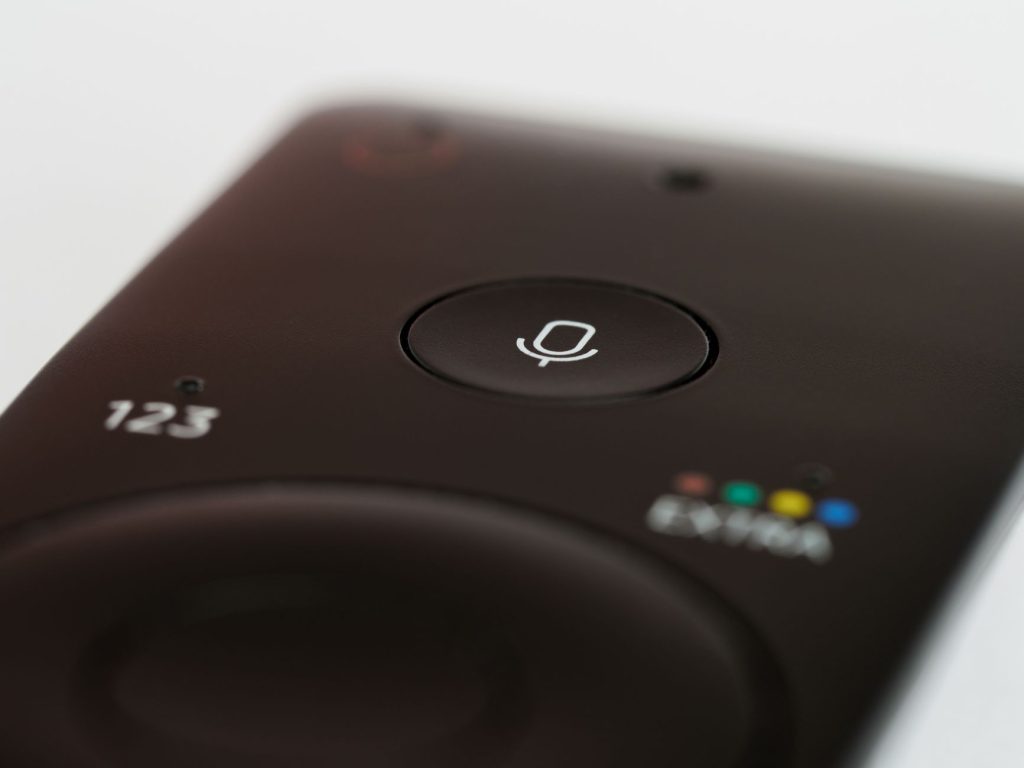
Troubleshooting Firestick Remote Issues: A Complete Guide
Introduction to Firestick Remote Troubles
If you’re an avid Firestick user, chances are you’ve encountered some remote troubles along the way. From connectivity issues to unresponsive buttons, Firestick remote problems can put a damper on your streaming experience. In this guide, we’ll explore common issues and provide practical solutions to get your Firestick remote back in action.
Common Connectivity Issues with Firestick Remotes
Interference from Other Devices
One of the most common problems with Firestick remotes is interference from other electronic devices. Wireless routers, microwave ovens, and even Bluetooth devices can disrupt the signal. To mitigate this, try moving your Firestick to a different HDMI port or position it further away from other electronics.
Pairing Problems
Sometimes, the Firestick remote may lose its pairing with your device. To re-pair, press and hold the Home button for about 10 seconds until the LED starts blinking. If this doesn’t work, consult our Firestick Keeps Forgetting LG TV Remote Settings: Solutions guide for more tips.
Battery and Power Issues
Battery Drain
Firestick remotes use batteries, and they can drain faster than expected. Ensure you’re using fresh, high-quality batteries. Also, remove the batteries if you’re not using the remote for an extended period to prevent unnecessary drain.
Remote Not Powering On
If your remote won’t turn on, check the battery contacts for corrosion. Clean them gently with a cotton swab and ensure the batteries are inserted correctly. For more power-related issues, read our Why Does Your Firestick Turn On By Itself? Discover Solutions article.
Button Responsiveness Problems
Unresponsive Buttons
Dust and debris can accumulate under the buttons, causing them to become unresponsive. Gently clean around the buttons with a soft brush or compressed air. If the problem persists, a factory reset might be necessary.
Delayed Response
Sometimes, the remote may have a delayed response. This could be due to a weak signal or a software glitch. Restarting your Firestick device often resolves these issues. If you’re using a programmable remote, check out our Child Programmable Remote for Firestick: A Complete Guide for configuration tips.
Advanced Troubleshooting Steps
Factory Resetting the Firestick
As a last resort, you might need to factory reset your Firestick. This will erase all data, so consider this only if other solutions fail. To reset, go to Settings > My Fire TV > Reset to Factory Defaults.
Firmware Updates
Outdated firmware can lead to remote issues. Ensure your Firestick is updated by navigating to Settings > My Fire TV > About > Check for Updates.
Preventing Future Firestick Remote Issues
To avoid future problems, keep your remote clean, use quality batteries, and regularly update your Firestick software. Consider reading our Why Does Firestick 4K Max V2 Randomly Turn On Your TV? for more insights on optimizing your Firestick experience.
Frequently Asked Questions
- Why isn’t my Firestick remote working? Check the batteries, ensure the remote is paired, and look for interference from other devices.
- How do I reset my Firestick remote? Hold the Home button for 10 seconds to attempt a reset. If needed, reset the Firestick device itself.
- Why is my Firestick remote lagging? A weak signal or outdated firmware might cause lag. Try restarting the device or updating the software.
- Can I use a smartphone app as a Firestick remote? Yes, the Amazon Fire TV app is available on iOS and Android and can serve as a remote.
- What should I do if my Firestick remote overheats? Remove the batteries and let it cool down. Overheating can occur if the remote is used excessively.
Conclusion: Enjoy Seamless Streaming Again
Firestick remote issues can be frustrating, but with these tips, you can troubleshoot and resolve most common problems. For comprehensive insights about IPTV, don’t miss our Complete IPTV Guide 2026: Everything You Need to Know. Remember, keeping your device updated and well-maintained is key to a seamless streaming experience. Happy streaming!
Frequently Asked Questions
Why isn’t my Firestick remote working?
Check the batteries, ensure the remote is paired, and look for interference from other devices.
How do I reset my Firestick remote?
Hold the Home button for 10 seconds to attempt a reset. If needed, reset the Firestick device itself.
Why is my Firestick remote lagging?
A weak signal or outdated firmware might cause lag. Try restarting the device or updating the software.
Can I use a smartphone app as a Firestick remote?
Yes, the Amazon Fire TV app is available on iOS and Android and can serve as a remote.
What should I do if my Firestick remote overheats?
Remove the batteries and let it cool down. Overheating can occur if the remote is used excessively.