Best APKs to Install on Fire TV Stick 4K Max
Introduction to Fire TV Stick 4K Max and APKs
The Amazon Fire TV Stick 4K Max is a powerful device that transforms your regular TV into a smart one, offering access to a plethora of streaming content. When it comes to optimizing your Fire TV experience, knowing which APKs (Android Package Kits) to install can make all the difference. This guide will help you navigate the best APKs for your Fire TV Stick 4K Max, ensuring you make the most of its capabilities.
Essential Entertainment APKs for Fire TV
Streaming Services
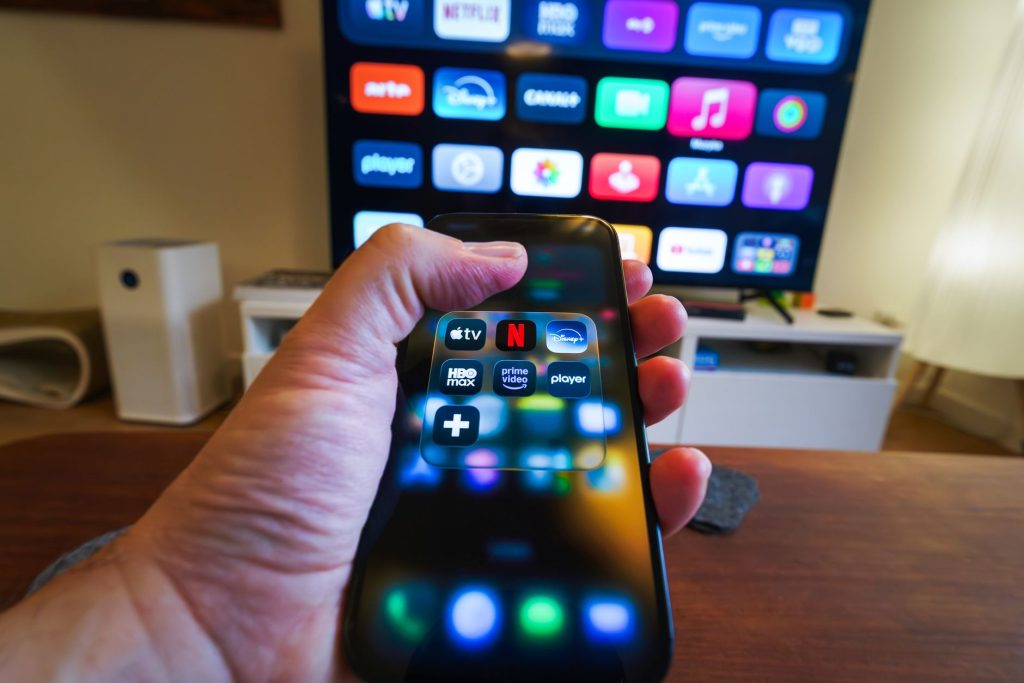
To truly enjoy your Fire TV, installing popular streaming service APKs is a must. Apps like Netflix, Hulu, and Disney+ provide vast libraries of movies and shows. According to TechRadar, these services offer some of the best content available today.
Music and Podcasts
For music lovers, Spotify and Amazon Music are excellent APK choices. They offer millions of tracks and playlists to cater to any musical taste. Similarly, installing a podcast app like Pocket Casts can keep you entertained with endless audio content.
Utility APKs to Enhance Fire TV Functionality
File Management
Managing files on your Fire TV becomes effortless with File Manager apps like ES File Explorer. These applications allow you to navigate and manage files stored on your device efficiently.
VPN Services
For those concerned about privacy, VPN APKs such as NordVPN offer enhanced security and privacy, allowing you to stream content securely and access geo-restricted content. CNET highlights the importance of using a VPN for secure streaming.
Entertainment Enhancers: APKs for Fire TV Stick 4K Max
Gaming Apps
Transform your Fire TV into a gaming console with APKs like RetroArch and Happy Chick, which provide access to classic games. These apps are perfect for nostalgic gamers looking to relive their favorite childhood games.
Live TV and IPTV Services
For live TV enthusiasts, installing legal IPTV services can significantly enhance your viewing experience. Consider reading our Complete IPTV Guide 2026: Everything You Need to Know for more information on legal IPTV options.
Troubleshooting Fire TV APK Installations
Dealing with USB Formatting Issues
If you encounter issues with USB formatting while installing APKs, our guide on Fire TV Stick 4K: Solutions for USB Formatting Issues can help you resolve them.
Stremio Download Problems
Having trouble downloading Stremio? Our article on Fire TV Stick: How to Troubleshoot Stremio Download Issues offers practical solutions.
Optimizing Fire TV Performance
Software Updates
Regular software updates are crucial for maintaining the performance of your Fire TV Stick. Stay informed about updates like the Amazon Fire TV Update: Android 16-Based Fire OS 16 to ensure your device runs smoothly.
Recording Live TV
If you’re using Fire TV Recast for live TV recording, check out our guide on Fire TV Recast: Troubleshooting Live TV Recording Issues for tips on resolving common recording problems.
Frequently Asked Questions
- How do I install APKs on my Fire TV Stick 4K Max? Use the Downloader app from the Amazon Appstore to download and install APKs on your Fire TV Stick.
- Are APKs safe for Fire TV? Ensure the APKs you install are from trusted sources to avoid malware or unauthorized access to your device.
- Do I need a VPN for Fire TV? A VPN can enhance security and allow access to geo-restricted content, making it a worthwhile consideration.
- Can I expand storage on my Fire TV Stick? Yes, you can use a USB drive for additional storage, but ensure it’s properly formatted for use with your Fire TV.
- What to do if an APK crashes on my Fire TV? Reinstall the app or check for updates to ensure compatibility with your Fire TV Stick’s operating system.
Conclusion: Enhance Your Fire TV Experience
The Fire TV Stick 4K Max offers immense potential for entertainment, and by installing the right APKs, you can unlock a world of content and functionality. Whether you’re streaming the latest shows or playing retro games, these APKs provide a comprehensive way to enjoy your Fire TV. Start exploring today and make the most of your device!
Frequently Asked Questions
How do I install APKs on my Fire TV Stick 4K Max?
Use the Downloader app from the Amazon Appstore to download and install APKs on your Fire TV Stick.
Are APKs safe for Fire TV?
Ensure the APKs you install are from trusted sources to avoid malware or unauthorized access to your device.
Do I need a VPN for Fire TV?
A VPN can enhance security and allow access to geo-restricted content, making it a worthwhile consideration.
Can I expand storage on my Fire TV Stick?
Yes, you can use a USB drive for additional storage, but ensure it’s properly formatted for use with your Fire TV.
What to do if an APK crashes on my Fire TV?
Reinstall the app or check for updates to ensure compatibility with your Fire TV Stick’s operating system.