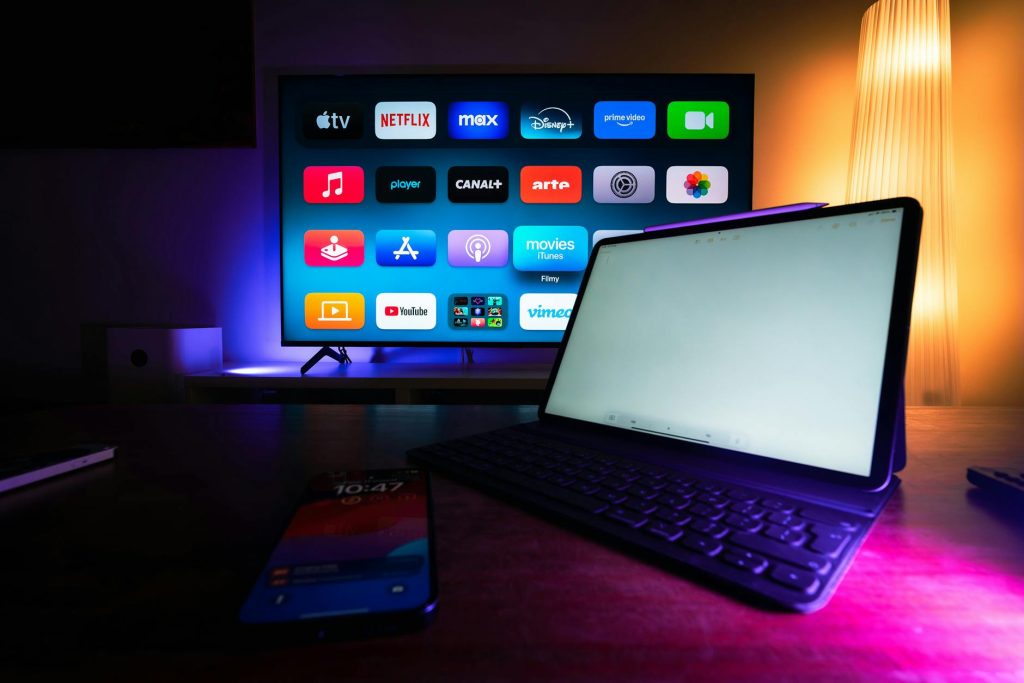
Choosing the Best Streaming Box for Multiple Devices
With the world of streaming growing ever more complex, many households find themselves juggling multiple devices. Whether you are an avid movie watcher, a sports enthusiast, or simply love to binge-watch series, having the right streaming box can make all the difference. In this guide, we’ll explore the best streaming boxes for those juggling multiple devices, ensuring you find the perfect fit for your setup.
Understanding Streaming Boxes
Before diving into the best options, it’s essential to understand what a streaming box is and why it’s a crucial component of modern home entertainment systems. A streaming box is a device that connects to your TV and allows you to stream content from the internet, including IPTV services, Netflix, Hulu, and more. According to Digital Trends, these devices provide a seamless way to access a variety of streaming services.
Top Streaming Boxes for Multiple Devices
Roku Ultra
The Roku Ultra is a favorite among streaming enthusiasts. It supports 4K HDR streaming and offers a vast library of channels. With its easy-to-use interface and robust search features, it’s perfect for households with varied viewing preferences.
Apple TV 4K
For Apple ecosystem users, the Apple TV 4K provides a smooth experience. Its integration with other Apple devices and access to Apple’s extensive library makes it a compelling choice. The device supports Dolby Vision, offering enhanced picture quality.
Amazon Fire TV Cube
The Amazon Fire TV Cube combines streaming capabilities with Alexa voice control, allowing hands-free operation. It supports 4K Ultra HD and offers access to a wide range of streaming services.
Features to Consider When Choosing a Streaming Box
Compatibility
Ensure the streaming box is compatible with your TV and other devices. Most modern devices support HDMI connections, but it’s always good to double-check compatibility, especially with older TVs.
Streaming Quality
Look for devices that support 4K and HDR for the best viewing experience. This is especially important for large-screen TVs where lower resolution content can appear pixelated.
User Interface
An intuitive user interface can greatly enhance your experience. Look for devices with easy-to-navigate menus and responsive controls.
Setting Up Your Streaming Box
Setting up a streaming box is usually straightforward. Here’s a step-by-step guide:
- Connect the streaming box to your TV using an HDMI cable.
- Plug the device into a power source.
- Follow the on-screen instructions to connect to your Wi-Fi network.
- Sign in to your streaming accounts or create new ones as needed.
For more detailed guidance, check out resources such as CNET, which offers comprehensive tutorials.
Enhancing Your Streaming Experience
Using Ethernet for Better Connectivity
While Wi-Fi is convenient, an Ethernet connection can provide a more stable and faster internet connection, reducing buffering during streaming.
Optimizing Device Settings
Adjust picture settings on your TV and streaming box for the best quality. Also, regularly update your device’s software to ensure access to the latest features and security patches.
Frequently Asked Questions
Here are some common questions about streaming boxes:
- What is the best streaming box for 4K content? The Roku Ultra and Apple TV 4K are excellent choices for 4K streaming.
- Can I use a streaming box with an older TV? Yes, as long as your TV has an HDMI port, you can connect a streaming box.
- Do streaming boxes require a subscription? The device itself does not, but accessing certain services like Netflix or Hulu requires a subscription.
- How do I connect my streaming box to the internet? You can connect via Wi-Fi or use an Ethernet cable for a more stable connection.
- Can I use multiple streaming boxes in one house? Yes, you can use multiple boxes, but ensure your internet bandwidth can support simultaneous streaming.
Conclusion: Choose the Right Streaming Box for Your Needs
Choosing the right streaming box can significantly enhance your home entertainment experience. Consider your needs, the number of devices you have, and the features that matter most to you. Whether you opt for a Roku, Apple TV, or Amazon Fire TV, you’ll enjoy the convenience and variety that streaming offers. Ready to upgrade your setup? Explore these options and find the perfect streaming box for your home today!
Frequently Asked Questions
What is the best streaming box for 4K content?
The Roku Ultra and Apple TV 4K are excellent choices for 4K streaming.
Can I use a streaming box with an older TV?
Yes, as long as your TV has an HDMI port, you can connect a streaming box.
Do streaming boxes require a subscription?
The device itself does not, but accessing certain services like Netflix or Hulu requires a subscription.
How do I connect my streaming box to the internet?
You can connect via Wi-Fi or use an Ethernet cable for a more stable connection.
Can I use multiple streaming boxes in one house?
Yes, you can use multiple boxes, but ensure your internet bandwidth can support simultaneous streaming.