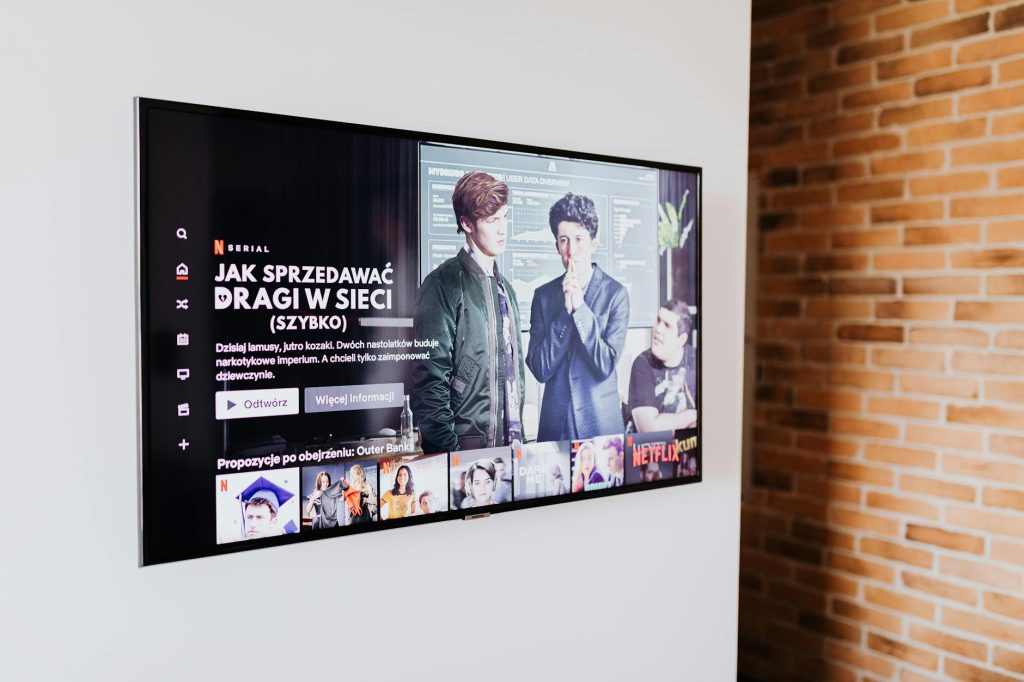
PlayOnTV Media Player Launches for Android TV, Thanks to User Feedback
Welcome to the New Era of Streaming with PlayOnTV on Android TV
The PlayOnTV Media Player is now out for Android TV, marking a significant milestone in the world of streaming. This development, shaped by invaluable user feedback, promises to elevate the streaming experience for Android TV users. With cutting-edge features and a user-centric design, PlayOnTV is set to become a staple for streaming enthusiasts.
Why PlayOnTV Chose Android TV for Its Latest Release
Android TV has emerged as a dominant force in the smart TV arena, offering an open platform that supports a vast array of apps and services. With its user-friendly interface and seamless integration with Google services, Android TV presents a perfect canvas for premium streaming apps like PlayOnTV.
The Power of User Feedback
User feedback played a pivotal role in shaping the PlayOnTV Media Player. By listening to the community, PlayOnTV has incorporated features that truly resonate with its users, ensuring a robust and intuitive streaming solution.
Key Features of the PlayOnTV Media Player
The new media player is packed with features such as cloud DVR capabilities, seamless integration with various streaming services, and a customizable interface, making it an indispensable tool for any Android TV user.
How to Set Up PlayOnTV on Your Android TV
Setting up PlayOnTV on your Android TV is a straightforward process. Follow these steps to get started:
- Head to the Google Play Store on your Android TV.
- Search for “PlayOnTV Media Player” and click on the install button.
- Once installed, open the app and follow the on-screen instructions to link your streaming accounts.
For users encountering issues, our complete guide to fixing Android TV issues can be a handy resource.
Enhancing Your Streaming Experience with PlayOnTV
With PlayOnTV, users can enjoy a more personalized streaming experience. The app offers features like the ability to record shows and movies to the cloud, making it easy to watch your favorite content on your schedule.
Seamless Integration with Other Devices
The PlayOnTV Media Player supports integration with various devices, including external media boxes. Discover how you can use your Thomson Android TV with an external media box for even more versatility.
Customizing Your Viewing Experience
Customize your viewing experience with PlayOnTV’s intuitive interface, allowing you to organize content the way you like. This flexibility enhances user satisfaction, making streaming a pleasure rather than a chore.
Comparing PlayOnTV with Other Android TV Apps
Compared to other Android TV apps, PlayOnTV stands out due to its extensive features and user-centric design. While other apps offer similar services, PlayOnTV’s unique approach to integrating user feedback sets it apart.
Security and Privacy
Security is a top priority for PlayOnTV. The app ensures user data is protected, aligning with current privacy standards. According to Digital Trends, security is a crucial factor for any streaming device, making PlayOnTV a trustworthy choice.
Frequently Asked Questions
Is PlayOnTV available on all Android TV devices?
Yes, PlayOnTV is compatible with a wide range of Android TV devices, ensuring broad accessibility for users.
Can I record live TV with PlayOnTV?
Absolutely! PlayOnTV offers cloud DVR capabilities, allowing users to record and store live TV shows and movies.
How does PlayOnTV ensure user data privacy?
PlayOnTV employs robust security measures to protect user data, aligning with industry standards for privacy and security.
What streaming services are compatible with PlayOnTV?
PlayOnTV integrates with numerous popular streaming services, providing a versatile platform for all your viewing needs.
Is there customer support available for PlayOnTV users?
Yes, PlayOnTV offers comprehensive customer support to assist users with any issues or questions they may have.
Conclusion: Transform Your Android TV Experience with PlayOnTV
The launch of the PlayOnTV Media Player for Android TV is a testament to the power of user feedback and innovation in streaming technology. With its rich feature set and user-centric design, PlayOnTV is poised to redefine how we experience entertainment on Android TV. Ready to enhance your streaming experience? Download PlayOnTV today and see the difference for yourself!
Frequently Asked Questions
Is PlayOnTV available on all Android TV devices?
Yes, PlayOnTV is compatible with a wide range of Android TV devices, ensuring broad accessibility for users.
Can I record live TV with PlayOnTV?
Absolutely! PlayOnTV offers cloud DVR capabilities, allowing users to record and store live TV shows and movies.
How does PlayOnTV ensure user data privacy?
PlayOnTV employs robust security measures to protect user data, aligning with industry standards for privacy and security.
What streaming services are compatible with PlayOnTV?
PlayOnTV integrates with numerous popular streaming services, providing a versatile platform for all your viewing needs.
Is there customer support available for PlayOnTV users?
Yes, PlayOnTV offers comprehensive customer support to assist users with any issues or questions they may have.