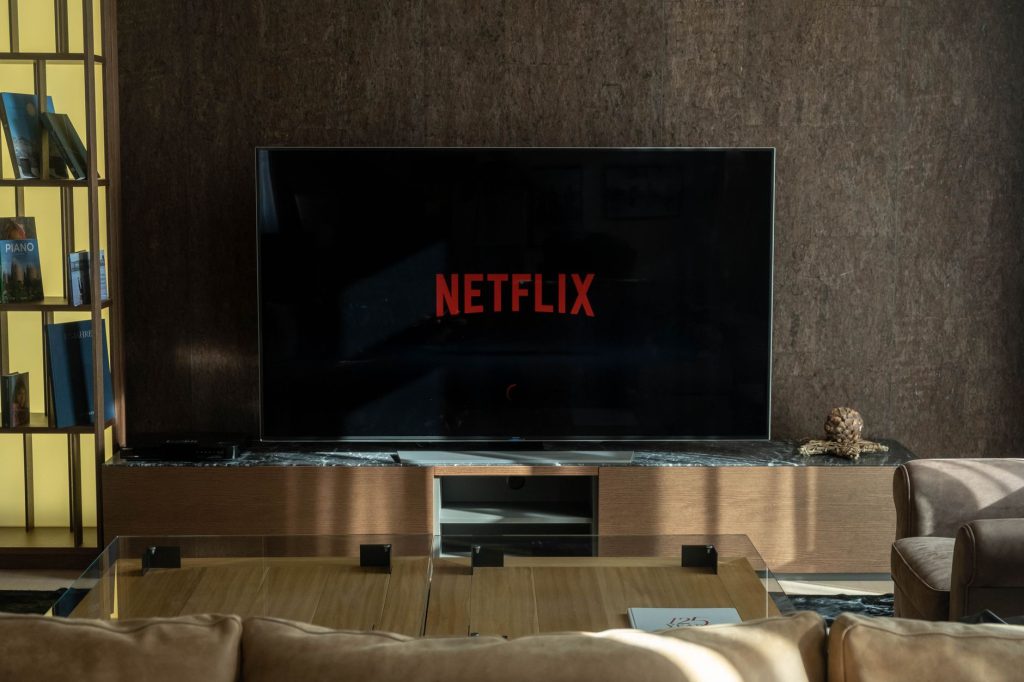
Upgrading Grandparents to Streaming TV: A Practical Guide
Transitioning to a streaming TV setup can be an exciting yet daunting task, especially for those less familiar with the technology. Upgrading my grandparents to streaming TV was a journey filled with discovery, patience, and a lot of learning. In this guide, we’ll walk through everything you need to know to help your grandparents enjoy the world of streaming.
Understanding Streaming Technology
The concept of streaming can be new for many who are used to traditional cable TV. Streaming involves delivering video content over the internet, allowing users to watch live or on-demand shows and movies. According to CNET, streaming services have revolutionized how we consume media.
Benefits of Streaming TV
Streaming offers numerous benefits, including a vast library of content, flexibility in viewing, and often, cost savings. Unlike traditional TV, which requires scheduled programming, streaming allows users to watch what they want, when they want.
Types of Streaming Devices
There are various devices available to facilitate streaming, such as smart TVs, streaming sticks, and set-top boxes. For a detailed comparison, check out our guide on affordable 4K streaming devices.
Setting Up Streaming TV for Beginners
Setting up a streaming device is straightforward but can vary slightly depending on the device. Here’s a step-by-step guide to get your grandparents started:
Choosing the Right Device
Select a user-friendly device. Options like Apple TV 4K are excellent for their intuitive interface and robust features.
Connecting the Device
- Plug the device into the TV’s HDMI port.
- Connect to the home Wi-Fi network.
- Follow the on-screen instructions to complete the setup.
Navigating Streaming Platforms
Once the device is set up, the next step is to familiarize your grandparents with the different streaming platforms like Netflix, Amazon Prime, and Hulu. Each platform offers a unique range of content and user interface.
Creating Accounts
Help them create accounts on their preferred streaming services. This usually involves entering personal details and setting up payment methods.
Exploring Content
Encourage them to explore various genres and shows. Most platforms have recommendation engines that suggest content based on viewing habits.
Teaching Basic Streaming Skills
Helping grandparents understand basic streaming skills is crucial to their enjoyment of the new system. Focus on teaching them how to:
- Navigate menus
- Use search functions effectively
- Create and manage watchlists
Addressing Common Streaming Challenges
Like any technology, streaming can come with its own set of challenges. Here are a few common issues and how to resolve them:
Buffering and Lag
Buffering can disrupt the viewing experience. To address this, ensure a strong internet connection. For more tips, read our article on resolving inconsistent streaming connections.
Account Management
Help them manage passwords and account settings to prevent any interruptions in service.
Embracing the Streaming Lifestyle
Streaming offers a new world of entertainment and convenience. Encourage your grandparents to embrace this change and explore the vast array of content available. According to TechRadar, the future of TV is undoubtedly in streaming.
Frequently Asked Questions
What is streaming?
Streaming is the delivery of video and audio content over the internet, allowing users to watch media without downloading it completely.
Do I need a smart TV to stream content?
No, you can use streaming devices like Roku, Amazon Fire Stick, or Chromecast with any TV that has an HDMI port.
Can my grandparents watch live sports on streaming?
Yes, many streaming services offer live sports. For NHL fans, consider reading our guide on streaming NHL games.
How can we improve streaming quality?
Ensure a strong internet connection and consider upgrading your router if necessary. Check our complete IPTV guide for more tips.
Are streaming services more affordable than cable?
Generally, yes. Streaming services often offer lower monthly fees compared to traditional cable packages, providing more value for your money.
Conclusion
Upgrading your grandparents to streaming TV can be a rewarding experience that opens up a new world of entertainment. With a bit of guidance and patience, they’ll soon be enjoying their favorite shows and movies with ease. Start with the basics, and gradually introduce them to more advanced features as they become comfortable. Ready to make the switch? Dive into our comprehensive resources and ensure a smooth transition.
Frequently Asked Questions
What is streaming?
Streaming is the delivery of video and audio content over the internet, allowing users to watch media without downloading it completely.
Do I need a smart TV to stream content?
No, you can use streaming devices like Roku, Amazon Fire Stick, or Chromecast with any TV that has an HDMI port.
Can my grandparents watch live sports on streaming?
Yes, many streaming services offer live sports. For NHL fans, consider reading our guide on streaming NHL games.
How can we improve streaming quality?
Ensure a strong internet connection and consider upgrading your router if necessary. Check our complete IPTV guide for more tips.
Are streaming services more affordable than cable?
Generally, yes. Streaming services often offer lower monthly fees compared to traditional cable packages, providing more value for your money.