Exploring Xbox Game Pass on Android TV for Ultimate Streaming
Introduction to Xbox Game Pass on Android TV
In the rapidly evolving world of digital entertainment, the Android TV has emerged as a versatile platform, transforming living rooms into entertainment hubs. With the integration of Xbox Game Pass, an Android TV box becomes a gateway to a vast library of games and streaming content. This article explores how this powerful combination can elevate your home entertainment setup.
What is Xbox Game Pass?
Xbox Game Pass is a subscription service from Microsoft that provides access to over 100 high-quality games for console, PC, and cloud. It’s akin to Netflix for games, allowing users to download and stream a wide variety of titles. According to TechRadar, it is considered one of the best value gaming subscriptions available today.
Benefits of Xbox Game Pass
Subscribers enjoy numerous benefits, including:
- Access to a vast library of games from various genres.
- Day-one access to Microsoft first-party titles.
- Cloud gaming capabilities, enabling play on multiple devices, including Android TV.
Xbox Game Pass and Android TV: A Perfect Match
Combining Xbox Game Pass with an Android TV offers a seamless gaming and entertainment experience, turning your TV into a powerful gaming console without the need for additional hardware.
Setting Up Xbox Game Pass on Your Android TV
To get started with Xbox Game Pass on your Android TV, follow these steps:
Step 1: Install the Xbox Game Pass App
Navigate to the Google Play Store on your Android TV. Search for the Xbox Game Pass app and install it. Ensure your device is compatible with the app requirements.
Step 2: Subscribe to Xbox Game Pass
Sign up for an Xbox Game Pass subscription through the app or Microsoft’s website. Choose the plan that best suits your needs, whether it’s for console, PC, or ultimate access.
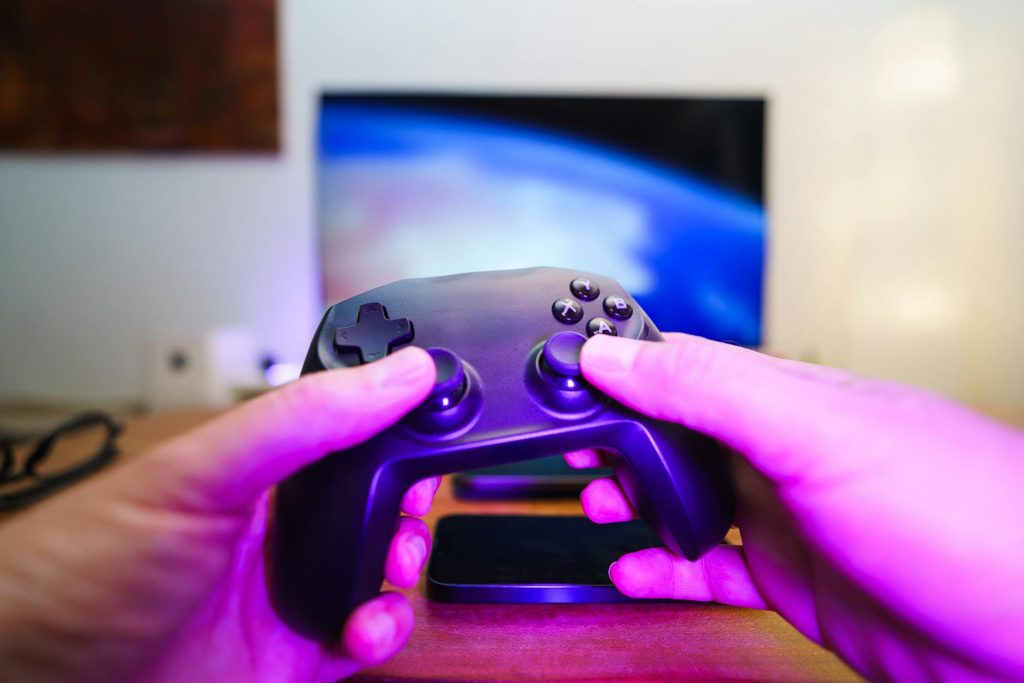
Step 3: Connect a Compatible Controller
For the best gaming experience, connect a Bluetooth-enabled controller to your Android TV. Many modern controllers, like the Xbox Wireless Controller, are compatible.
Enhancing Your Android TV Experience
Beyond gaming, your Android TV can host a variety of streaming apps, making it a versatile entertainment system. Discover more about enhancing your setup in our guide on enhancing your TV with an Android TV box for 4K streaming.
Explore Legal IPTV Options
For those interested in IPTV, our Complete IPTV Guide 2026 provides everything you need to know about legal IPTV services, ensuring you stay on the right side of the law.
Setting Up Without Internet
While an internet connection is crucial for streaming, learn how to set up your Android TV box without internet for basic functionalities.
Transform Your Device: From Airtel Xstream to Vanilla Android TV
For those using specific devices like the Airtel Xstream Box, transforming it into a standard Android TV can unlock more features and flexibility. Discover how in our comprehensive guide.
Frequently Asked Questions
Here are answers to some common questions about Xbox Game Pass on Android TV:
- What games are available on Xbox Game Pass? Xbox Game Pass offers a diverse library of games, including action, adventure, and indie titles. New games are added regularly.
- Can I use any controller with my Android TV? Most Bluetooth-enabled controllers are compatible. Ensure your controller is supported by checking the manufacturer’s specifications.
- Is an internet connection required for Xbox Game Pass? Yes, an internet connection is necessary for downloading and streaming games.
- How do I troubleshoot connectivity issues? Ensure your Android TV is updated, and check your internet connection. Restarting the device can also resolve minor issues.
- Can I stream Xbox games on other devices? Yes, with Xbox Game Pass Ultimate, you can stream games on compatible devices beyond your Android TV.
Conclusion: Unlock a World of Entertainment
Integrating Xbox Game Pass with your Android TV unlocks a world of gaming and entertainment possibilities, enhancing your viewing experience. Whether you’re looking to game, stream, or explore new apps, this setup is a game-changer. Don’t miss out on transforming your living room—get started today!
Frequently Asked Questions
What games are available on Xbox Game Pass?
Xbox Game Pass offers a diverse library of games, including action, adventure, and indie titles. New games are added regularly.
Can I use any controller with my Android TV?
Most Bluetooth-enabled controllers are compatible. Ensure your controller is supported by checking the manufacturer’s specifications.
Is an internet connection required for Xbox Game Pass?
Yes, an internet connection is necessary for downloading and streaming games.
How do I troubleshoot connectivity issues?
Ensure your Android TV is updated, and check your internet connection. Restarting the device can also resolve minor issues.
Can I stream Xbox games on other devices?
Yes, with Xbox Game Pass Ultimate, you can stream games on compatible devices beyond your Android TV.